MerchantAI supports recurring operational tasks. You can ask an agent to create a schedule using natural language and review jobs in the Scheduled Jobs section.
Schedule work from Chat
- Launch your agent and open Chat.
- Describe what should happen, how often it should run, and where the result should go.
- Review the agent's response to confirm the schedule, scope, and delivery details.
Example:
Every Monday at 9 AM, review inventory across all locations using each location's warning levels. Email an inventory-risk report to our approved operations address. Do not modify stock levels.
When creating recurring operations, specify:
- Frequency: e.g., every Monday at 9 AM
- Scope: which products, locations, or business records to examine
- Output: what the report or action should contain
- Delivery: where the result should be sent, if applicable
- Safety limits: for example, “read-only” or “do not change prices”
Review scheduled jobs
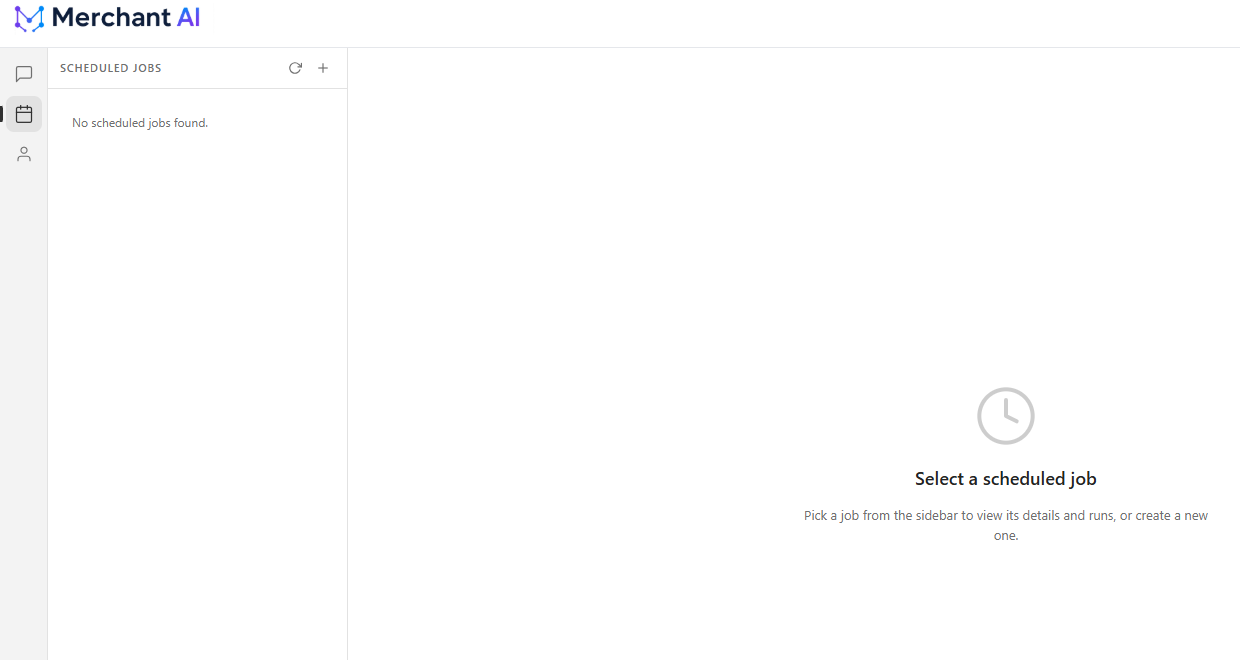
- In the launched agent's workspace, select the calendar-shaped Scheduled Jobs icon.
- Choose an existing job from the left panel to view its details and runs.
- Use the + control when you want to create a job through the Scheduled Jobs interface.
If no tasks have been created, the left panel displays No scheduled jobs found.
Delivering results
An agent can deliver operational task output through configured messaging methods, including approved email delivery. Ensure the relevant integration is configured and the recipient is allowed before relying on external delivery.
If a scheduled report does not arrive
Check the job configuration, its runs, the relevant communication integration, and any recipient restrictions. Also confirm that the agent has permission to access the data required by the task.
Related articles
Was this article helpful?
That’s Great!
Thank you for your feedback
Sorry! We couldn't be helpful
Thank you for your feedback
Feedback sent
We appreciate your effort and will try to fix the article